





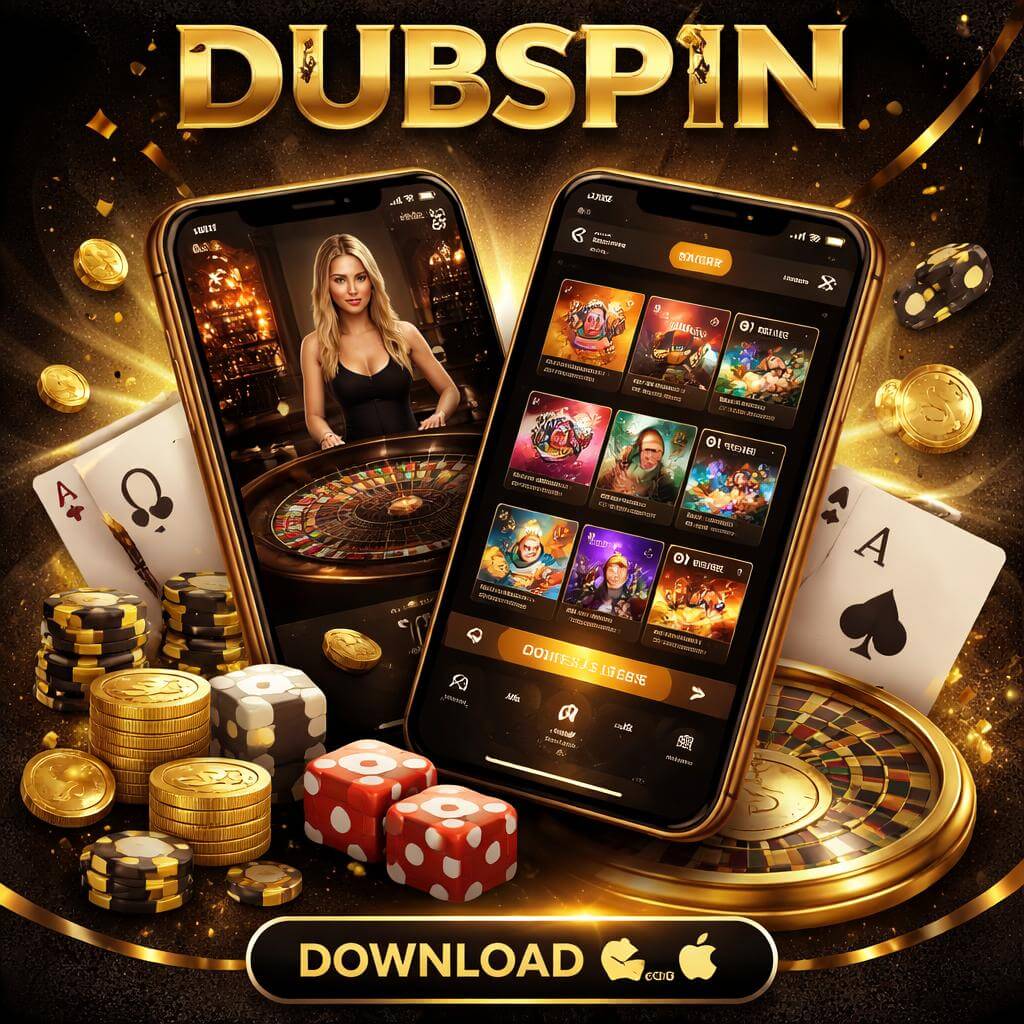
How to Download and Start Using the DUBSPIN App
Go to the Official Download Page
Open the DUBSPIN app section on the official site and choose the version that matches your device. Starting from the official download page helps you avoid unsafe files and makes sure you get the latest release for a smoother experience.
Install the App and Allow Basics
Once the file is downloaded, install the app on your phone or tablet and follow the on-screen prompts. You may be asked to allow a few basic permissions so the app can run correctly and keep your account access secure. This step only takes a moment and helps set up a stable connection.
Sign In, Check Offers, and Play
After installation, log in to your DUBSPIN account, review the promo area for current offers, and head into the games you want to try. It is a quick way to confirm your account is ready, see what bonuses are available, and start playing from your mobile device with confidence.